Skip the rough cut. Keep the craft.
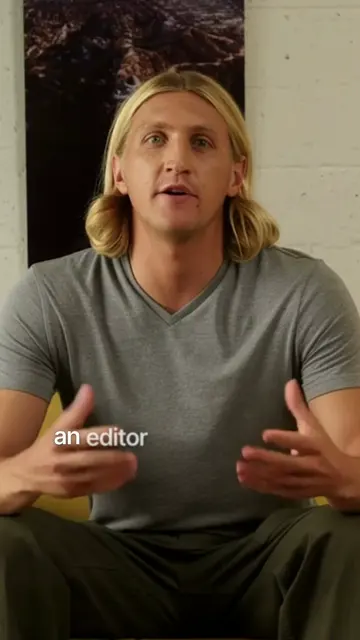
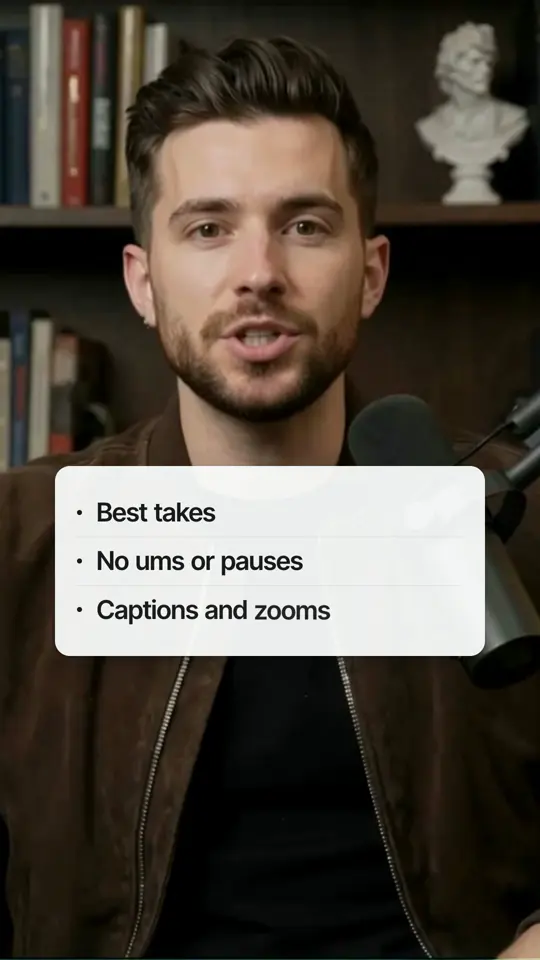
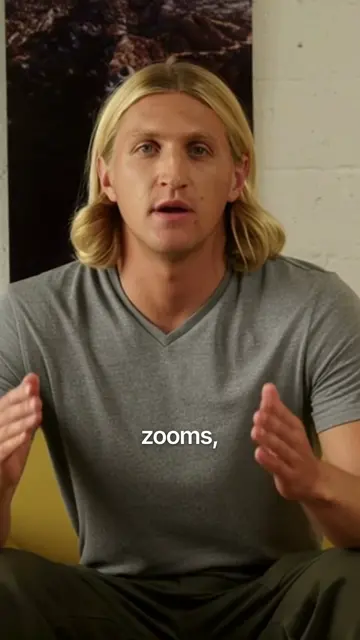
Garren does the rough cut in each client’s style: the best takes, no ums, retakes or pauses, zooms and captions. Finish it in Premiere Pro, DaVinci Resolve, Final Cut or After Effects, or let Garren finish it.
Your first video is free. No card needed.
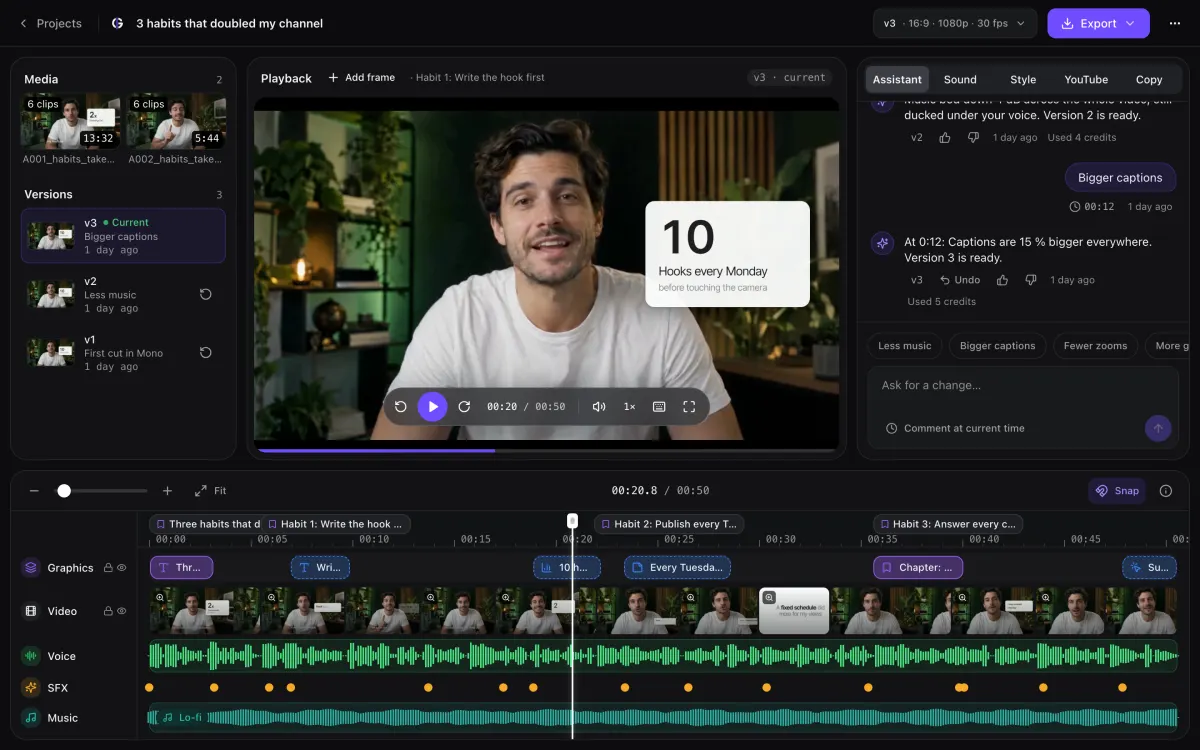
How a Garren edit opens in your editing app, drawn from the edit’s real timeline: the footage with its zooms, graphics and captions on their own tracks, voice, music and sound effects. Shown with Garren’s sample footage.
Step 1: Skip the rough cut
Upload the raw takes or paste a Drive link. In minutes Garren keeps the best take of every line, cuts the ums, retakes and pauses, and adds zooms and captions. Drag the line to compare.
Projects3 habits that doubled my channelv1 · 16:9 · 1080pYour footageGarren’s editTimeline00:19.0 / 00:50Graphics10 hooksEvery Tuesday, 9 AMA fixed scheduleVideoVoiceSFXMusicStep 2: In each client’s style
Show Garren a few videos a client likes and it edits the way they do: cuts, captions, graphics, colours and music. Build the style once and every video for that client starts there. Custom styles are in Beta.
StylesNew styleBeta- 1References
- 2Analysis
- 3Your style
Show us a style you like
Paste up to three videos whose editing you like, or use your own.
Use videos from your channel?Use my top 30 of 3 videosAnalyseStep 3: Finish it in your editing app
Download the edit and open it in Premiere Pro, DaVinci Resolve, Final Cut Pro or After Effects. Every cut, zoom and graphic comes with it, each graphic and the captions on their own track. Change what you want, keep the rest.
In your timeline
- The cut, on your original footage
- Zooms as keyframes you can change
- Every graphic on its own track
- The captions on their own track
- The music and the sound effects
- Markers for chapters and graphics
Opens in
- Premiere Pro
- DaVinci Resolve
- Final Cut Pro
- After Effects
Step 4: Or don’t open it at all
Some videos don’t need you. Ask for changes by chat the way a client would, check each one before it goes in, and download the finished video in up to 4K.
 AI assistantSoundStyleYouTube
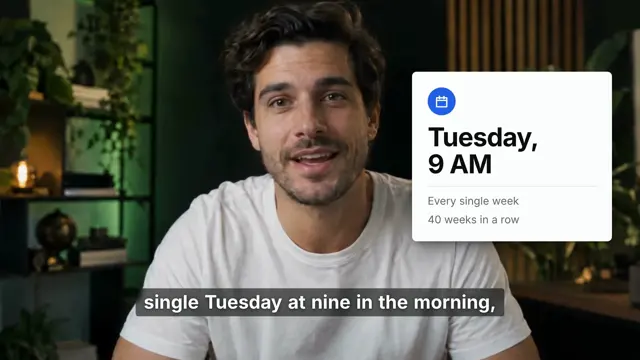
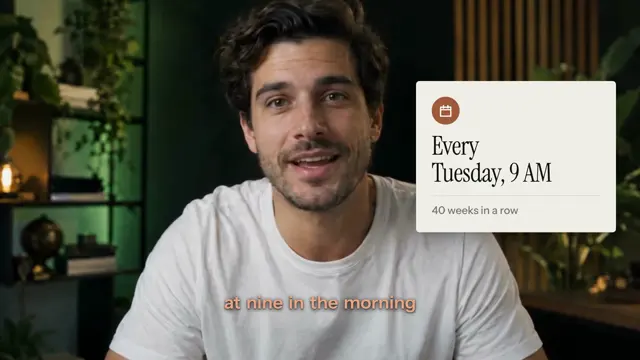
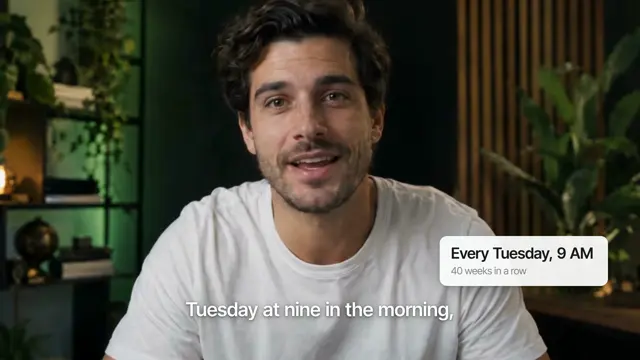
Add a card when I say forty weeks
At 00:24


Everything else it takes.
More clients, same hours
The rough cut is where the hours go. Hand it off and spend your time on the part clients notice.
Every format from one edit
16:9, 9:16 and 4:5 from the same edit, with the speaker kept in view.
Footage straight from Drive
Paste a client’s Google Drive link. Nothing to download, sort or trim first.
Clean sound, right colour
Echo and room noise cleaned up. Dark or flat footage corrected.
B-roll and music
The client’s own clips first, stock where it fits, music kept under the voice.
Any language
Garren edits and captions in the language the speaker uses.
Plans for editors
1 credit = 1 minute of finished video, however long the footage is. Unused credits carry over for 12 months.
Pro
For several channels, or a creator and an editor.
$249/ month
280 credits a month
About 35 eight-minute videos or 280 shorts
- 2 seats: invite one teammate
- 10 custom styles from videos you like
- Studio edits: custom animations for your key moments
- Direct Response: ads edited for retention
- AI b-roll where no footage fits
Team
For ad teams that ship new creatives every week.
$499/ month
550 credits a month
About 68 eight-minute videos or 550 shorts
- 5 seats, with roles and permissions
- 20 custom styles, shared by the team
- Shared videos and credits
- See who used which credits
- Studio edits: custom animations for your key moments
Editing with others? Team gives 5 people their own login, with shared styles and credits.
More use cases
All featuresTeams & agencies
Every client in their own style, one account for the whole team.
See how it worksDirect response adsNew
Every hook and size from one recording, edited for conversion.
See how it worksYouTube long-form
Your videos edited in your style, with titles, chapters and thumbnails.
See how it worksShort-form
Several shorts from one recording, captioned and ready to post.
See how it works
Take on more clients in the same hours.
Upload one recording and review a finished edit. No card needed.